
How to Search Cumberland County Court Records
The main portal for Cumberland County court records is the North Carolina eCourts Portal, which the NC Judicial Branch links as "Portal (Search/Pay)" from its Cumberland County page. The Portal is free and does not require an account for public searches. It covers all NC Judicial Branch counties, so filtering to Cumberland County is a key step. Three search tools live inside the Portal: Smart Search for case summaries and registers of actions, Search Hearings for scheduled court dates, and Judgment Search for the statewide judgment index. Each tool has a different focus, and choosing the right one saves time.
Before you begin, gather the strongest identifier you have. A case number or citation number returns an exact match. A party name also works but may produce a long list. The Portal FAQ says you can also search by attorney bar number, attorney name, business name, case cross-reference number, or nickname. If you already have the name and approximate date, the county filter in Smart Search narrows the results quickly.
- Open the NC eCourts Portal or navigate to the Portal link on the official Cumberland County NC Judicial Branch page.
- Choose the tool that fits your goal. Use Smart Search for a full case summary and register of actions. Use Search Hearings to find a scheduled court date. Use Judgment Search when you need the judgment index for civil, family, small claims, special proceedings, criminal, or miscellaneous matters.
- Enter your best identifier in the search field. A record number or citation number gives an exact match. A party name or attorney name works for broader searches.
- Apply the Cumberland County location filter to narrow results to local cases. For calendars, the state also publishes separate civil and criminal calendar views filtered to Cumberland.
- Open the case summary. Smart Search returns a Case Summary and Register of Actions listing Case Information, Assignment Information, Party Information, Causes of Action where applicable, Case Events, Dispositions, Hearings, and Financial Information.
- Review the judgment record if you need lien or money-judgment detail. The Judgment Search result shows case number, disposition status, index date and time, parties, and judgment comments relevant to the disposition.
- Contact the Clerk of Superior Court at (910) 475-3000 for official or certified copies. The Portal is not the official court record. Current payoff amounts depend on Clerk updates in the Odyssey system, not Portal totals.
Training guides and a Portal overview are published on the official eCourts Portal training and resources page. These explain the Smart Search layout, how to read a case summary, and how to save cases if you register.
The screenshot below comes from the NC Courts structure page, which maps how the courts relate to one another across the state.
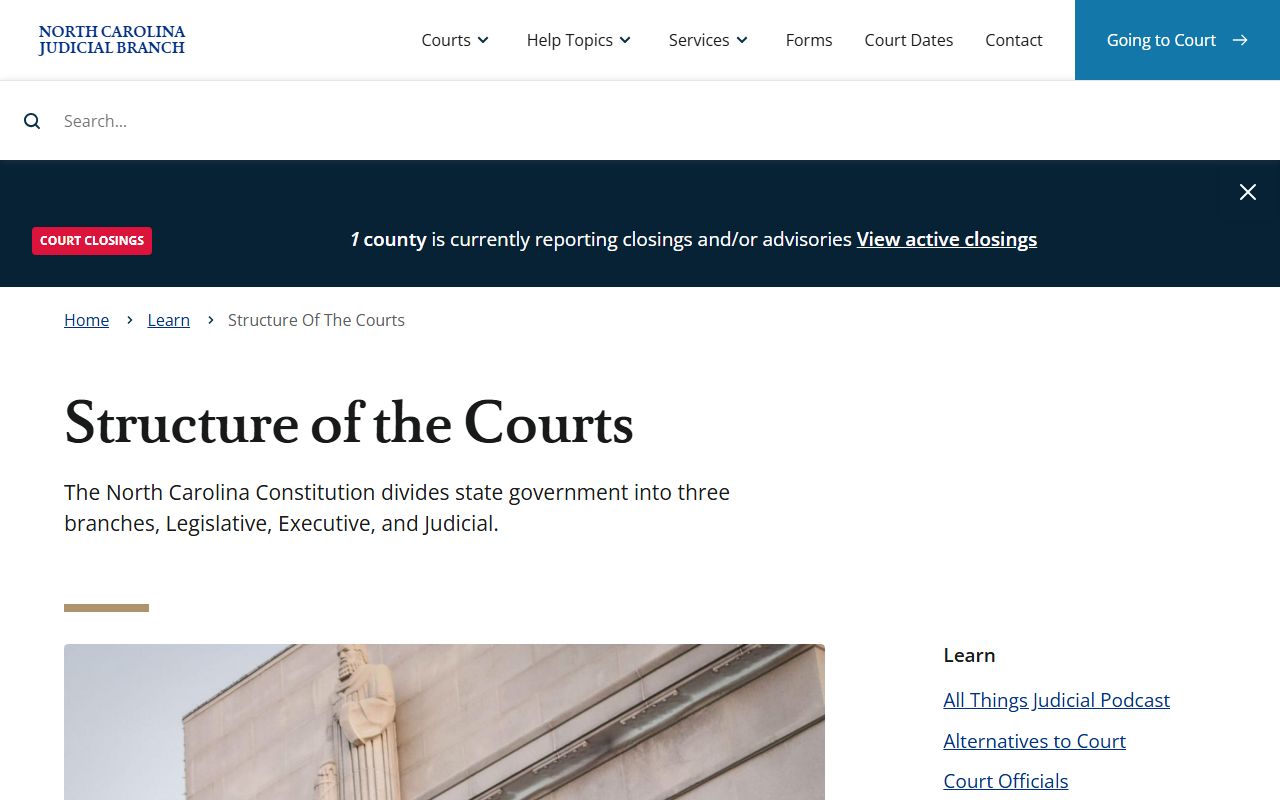
Understanding the structure helps you choose between Superior Court and District Court when filtering a Cumberland County court records search.
Cumberland County Court Records Search Fields
The NC eCourts Portal Smart Search accepts several different identifiers. None of the Smart Search fields are required in the strict sense, but entering at least one gives you something to work with. The more specific the value, the shorter and more useful the result list. The table below maps each field to its type and notes from the official Portal FAQ so you know how each one works before you search Cumberland County court records.
| Field Label | Type | Required | Notes / Format |
|---|---|---|---|
| Party name | Text | No | Search public cases by a party's last name or full name. Common names return long lists; pair with county filter. |
| Record number / case number | Text | No | Best exact-match field if you have it. Returns the specific case directly. |
| Citation number | Text | No | Useful for traffic and infraction records; printed on the citation itself. |
| Attorney bar number | Text | No | Search cases by the attorney's NC Bar Association number. |
| Attorney name | Text | No | Search by the attorney of record on a case. |
| Business name | Text | No | Use when a company or entity is a party instead of an individual. |
| Case cross-reference number | Text | No | For cases with linked or cross-referenced identifiers in the clerk system. |
| Nickname | Text | No | Portal FAQ lists nickname as a search method; useful when a person is known by a name different from the legal name on file. |
| Advanced filter: Civil Actions | Filter/tab | No | Smart Search advanced filter to limit results to civil case types. |
| Advanced filter: Special Proceedings (non-confidential) | Filter/tab | No | Smart Search advanced filter for non-confidential special proceedings. |
| Advanced filter: Estates | Filter/tab | No | Smart Search advanced filter for probate and estate matters. |
| Advanced filter: Criminal Actions | Filter/tab | No | Smart Search advanced filter to limit results to criminal case types. |
The Judgment Search has its own set of fields and filters. That tool accepts party name, case number, case type (civil, family, small claims, special proceedings, criminal, or miscellaneous), status, location, and a judgment date range. Use the location field to set Cumberland County and narrow the results to local judgments. For hearing searches, you can use case number, party name, business name, attorney name, attorney bar number, judicial officer, or courtroom.
Note: Anonymous Portal users do not need to register, but registration lets you save cases to "My Cases" for easier follow-up on active Cumberland County court records.
Cumberland County Court Structure and Record Sources
North Carolina runs a unified court system. Cumberland County sits in District 14 for prosecutorial, Superior Court, and District Court purposes. There are no county courts at law and no justice-of-the-peace courts. All trial-level court records in Cumberland flow through one courthouse and the same Clerk of Superior Court.
The official NC courts page describes the divisions that produce records relevant to a Cumberland County court records search.
Superior Court and District Court both report through the Clerk, which means one search on the Portal can surface records from either division, as long as the case is public.
Superior Court is the general-jurisdiction trial court. It hears felony criminal cases, civil cases above the District Court monetary threshold, and appeals from District Court and certain agencies. District Court handles misdemeanors, infractions, traffic and DWI cases, domestic and family matters, juvenile matters (most confidential), and smaller civil claims. Magistrates are District Court officers who handle initial appearances, set bond in many cases, and manage small claims and eviction matters. The Clerk of Superior Court keeps records for both divisions and also serves as judge of probate for estate matters. Appeals from Superior Court go to the North Carolina Court of Appeals, then to the North Carolina Supreme Court on further review.
Because the system is unified, you generally do not need to know which division handled a case to start a Portal search. Enter your identifier, filter to Cumberland County, and the result shows the case type. Civil, criminal, and family matters all surface through the same Smart Search interface. The distinction matters most when you need the physical file because some divisions have different copy procedures, forms, or local rules. Cumberland County publishes local forms for family court matters including equitable distribution, post-separation support, domestic case continuance motions, and custody expert appointment forms on the local rules and forms page.
Types of Court Records in Cumberland County
The courts in Cumberland County produce several categories of records. Some are searched and used frequently. Others are specialized or restricted. The type of case determines what information the record contains and who can access it.
- Criminal records - charges, case numbers, parties, hearing dates, dispositions, fines, costs, and financial obligations. Public criminal actions are searchable through Portal; unreturned warrants are restricted.
- Civil records - complaints, summonses, answers, motions, orders, judgments, and notices of hearing. Civil calendar results for Cumberland are also available through the state calendar system.
- Family and domestic records - divorce, custody, child support, equitable distribution, post-separation support, and domestic motions. Most family records are public unless sealed by order; adoption is confidential.
- Traffic and infraction records - citations, payable infractions, DWI criminal traffic cases, and related court dates. Searchable by citation number, name, or county through Portal. See traffic court records for more detail.
- Probate and estate records - wills filed with the clerk, letters testamentary and administration, inventories, accountings, guardianship proceedings, and estate orders. Accessible through Portal's Estates advanced filter and the Clerk's office. See Probate Records for full filing detail.
- Special proceedings - partitions, foreclosures, incompetency hearings, and some guardianship matters. Listed as a Judgment Search category and a Smart Search advanced filter for non-confidential proceedings.
The court dockets page explains how to read the published session schedules for Cumberland County Superior and District Court hearings.
What Cumberland County Court Records Show
When you open a case summary in the NC eCourts Portal for a public Cumberland County case, the record displays a standard set of fields. The Portal FAQ describes these fields from the official Odyssey ICMS system. The table below maps each field to what it means in plain terms, so you can read a case summary without a legal background.
| Field | What It Shows |
|---|---|
| Case Summary / Register of Actions | The full chronological history of everything filed, ordered, or scheduled in the case. |
| Case Information | Case number, file date, court division, case type, and status. |
| Assignment Information | Which judge or judicial officer is assigned to the case. |
| Party Information | Names of the plaintiff, defendant, petitioner, respondent, or other parties of record. |
| Causes of Action | The legal claims in civil, family, probate, or mental health cases where applicable. Not shown for all case types. |
| Case Events | A log of filings, hearings, orders, and other actions taken in the case, shown in date order. |
| Dispositions | The outcome of each charge or claim, such as guilty, dismissed with prejudice, dismissed without prejudice, or judgment entered. |
| Hearings | Scheduled and past hearing dates, courtrooms, and hearing types. |
| Financial Information | Fines, costs, restitution, and other monetary obligations where applicable. Current payoff amounts require Clerk confirmation. |
| Judgment case number | The separate judgment index number assigned when a money judgment or other dispositive judgment is entered. |
| Judgment disposition status | Whether the judgment is active, satisfied, or otherwise resolved. |
| Judgment index date and time | When the judgment was indexed in the statewide system. Important for lien priority. |
| Judgment parties | The judgment creditor and judgment debtor identified in the Judgment Search result. |
| Judgment comments | Comments relevant to the disposition entered by the clerk at the time of judgment. |
Social Security numbers do not display to public or elevated Portal users, per the Portal FAQ. Other personal identifiers may be redacted under court rules or statute. The Portal also does not show the full text of filed documents in all cases; for a complete copy of a motion, order, or pleading, contact the Clerk of Superior Court.
A glossary of common terms helps when reading records. A plaintiff files a civil case; a defendant is sued or charged. A petitioner asks the court for relief in a petition-based matter; the respondent answers. A disposition is the outcome of a charge or case. An expunction is a statutory deletion of eligible records from public access. A bond is a release condition or security deposit guaranteeing court appearance. These and other terms are defined in Section 6 of the Cumberland County research materials and are consistent with NC Judicial Branch usage.
Public Access Laws for Cumberland County Court Records
North Carolina treats most government records as open property of the people. The core public records statute is N.C. Gen. Stat. § 132-1, which defines public records broadly as documentary materials made or received in connection with public business. It states that public records are property of the people and should be available free or at minimal cost unless another law says otherwise. County administrative records and most court indexes fall under this framework.
N.C. Gen. Stat. § 132-6 governs inspection and copying. It sets the right to examine and copy public records. For court records specifically, N.C. Gen. Stat. § 7A-109 outlines the record-keeping duties of the Clerk of Superior Court, including the obligation to keep public indexes. N.C. Gen. Stat. § 7A-109.2 addresses remote electronic access to court records and directly underpins the eCourts Portal's public-access model. Together, these statutes form the legal backbone of how Cumberland County court records are made available online and in person.
Key Statutes for Cumberland County Court Records Access
N.C. Gen. Stat. § 132-1 - Public records belong to the people; available free or at minimal cost unless law says otherwise.
N.C. Gen. Stat. § 132-6 - Right to inspect and copy public records; governs formal public-record requests to county offices.
N.C. Gen. Stat. § 7A-109 - Clerk's duty to keep court records and public indexes; basis for certified-copy requests.
N.C. Gen. Stat. § 7A-109.2 - Remote electronic access to court records; authorizes the eCourts Portal public-access model.
N.C. Gen. Stat. § 15A-145.5 - Expunction eligibility for certain misdemeanors and felonies; defines when public access ends.
Anyone can search public court information on the Portal without giving a reason, without registering, and without paying a fee. The Portal does not charge to view or print documents tied to public cases. Certified copies carry a fee set by state court cost charts and must be requested from the Clerk. Payment to the Clerk can be made in person by cash, card, money order, or certified check, or by mail using money order or certified check only, made payable to the Cumberland County Clerk of Superior Court and sent to PO Box 363, Fayetteville, NC 28302. For broader county-agency public records requests outside the court, see the public records page.
The official payment information page from the NC Judicial Branch lists the accepted payment methods for court fines, fees, and eligible traffic citations in Cumberland County. It also lists which matters can be paid online through the Portal.
Court Officials and the Clerk of Superior Court
The official NC Judicial Branch court officials page describes the roles of clerks, judges, district attorneys, and magistrates across the state court system.
The Clerk of Superior Court in Cumberland County is the elected official who serves as the primary custodian of court records, handles probate as an ex officio judge, and processes filings, payments, and official copies at the courthouse.
The Clerk's office is the right contact for almost everything involving physical records in Cumberland County. The Clerk accepts court filings, issues certified copies, handles estate and probate administration, accepts payments for court-ordered obligations, and maintains the public indexes that feed the Portal. The office is in the Judge E. Maurice Braswell Cumberland County Courthouse at 117 Dick St., Fayetteville, NC 28301. The main phone is (910) 475-3000, and the mailing address for payments is PO Box 363, Fayetteville, NC 28302. Hours are Monday through Friday, 8:00 AM to 5:00 PM. The Portal FAQ warns explicitly that the Portal is not the official record and that users who need an official copy or a current payoff amount must contact the appropriate county Clerk of Court. For full detail on what the Clerk's office handles, fees, and how to request a certified copy, see the Clerk of Superior Court page.
Cumberland County Clerk of Superior Court
117 Dick St.
Fayetteville, NC 28301
(910) 475-3000
Mon-Fri 8:00 AM - 5:00 PM
Mailing: PO Box 363, Fayetteville, NC 28302
Sealed and Restricted Records in Cumberland County
Not every court record is open to the public. North Carolina law restricts several categories of records, and the eCourts Portal blocks public access to restricted case types automatically. Knowing which records are off-limits prevents wasted searches and explains why a known case may not appear in a standard Portal lookup for Cumberland County court records.
Juvenile court records are confidential under N.C. Gen. Stat. § 7B-3000. Access is generally limited to the juvenile, the juvenile's attorney, parents, guardians, court-ordered agencies, and others with specific statutory authority or a court order. Adoption records are confidential under N.C. Gen. Stat. § 48-9-102, and the public cannot inspect adoption files without legal authority. Mental health, developmental disability, and substance abuse client records are protected under N.C. Gen. Stat. § 122C-52. Protective orders are listed by the Portal FAQ as a restricted case type; some protective-order information may be viewable through courthouse kiosks under different rules than the public Portal.
Unreturned criminal warrants require elevated Portal access. The Portal FAQ says "Criminal Warrants Unreturned" is one of the restricted examples. Elevated access is granted only to users with a verified business need and statutory authority, not to the general public. Returned warrants that have become part of a filed criminal case may appear in a standard case summary search. For the warrant search tools available through the Sheriff's Fugitive and Warrants Section, see warrant records.
Expunged records are the other major restriction. After a court grants an expunction petition under N.C. Gen. Stat. § 15A-145.5, the public record is removed. A confidential file may be kept for limited official purposes under N.C. Gen. Stat. § 15A-151, but the public no longer has access. Expunction eligibility depends on the charge type, disposition, prior record, waiting period, and whether all statutory conditions are met. A person files a petition in the county where the case was heard, uses the applicable AOC form, and the court orders removal if the statute authorizes it. Common denial reasons include ineligible offense class, prior disqualifying convictions, unpaid obligations, wrong statute, missing affidavits, or filing before the waiting period ends.
Law-enforcement investigative records get different treatment than court records. Under N.C. Gen. Stat. § 132-1.4, criminal investigation and criminal intelligence information is not treated as ordinary public records. The Sheriff's active inmate page states directly that information not subject to disclosure under state public records law is not accessible through the site and may require a court order. The arrest records page covers what is public versus restricted for Sheriff and court criminal records in more depth.
Federal Court Records for Cumberland County
Cumberland County is in the federal Eastern District of North Carolina. Federal court cases, such as federal criminal charges, federal civil lawsuits, and bankruptcy matters, are not part of the state eCourts Portal. They are held in separate federal court systems with their own access tools. The U.S. District Court for the Eastern District of North Carolina covers 44 eastern counties and has a Fayetteville federal courthouse at 301 Green Street, Unit 301, Fayetteville, NC 28302, phone (910) 483-0550, hours 8:30 AM to 5:00 PM.
The screenshot below comes from the U.S. District Court for the Eastern District of North Carolina site, which is the starting point for federal civil and criminal records tied to Cumberland County.
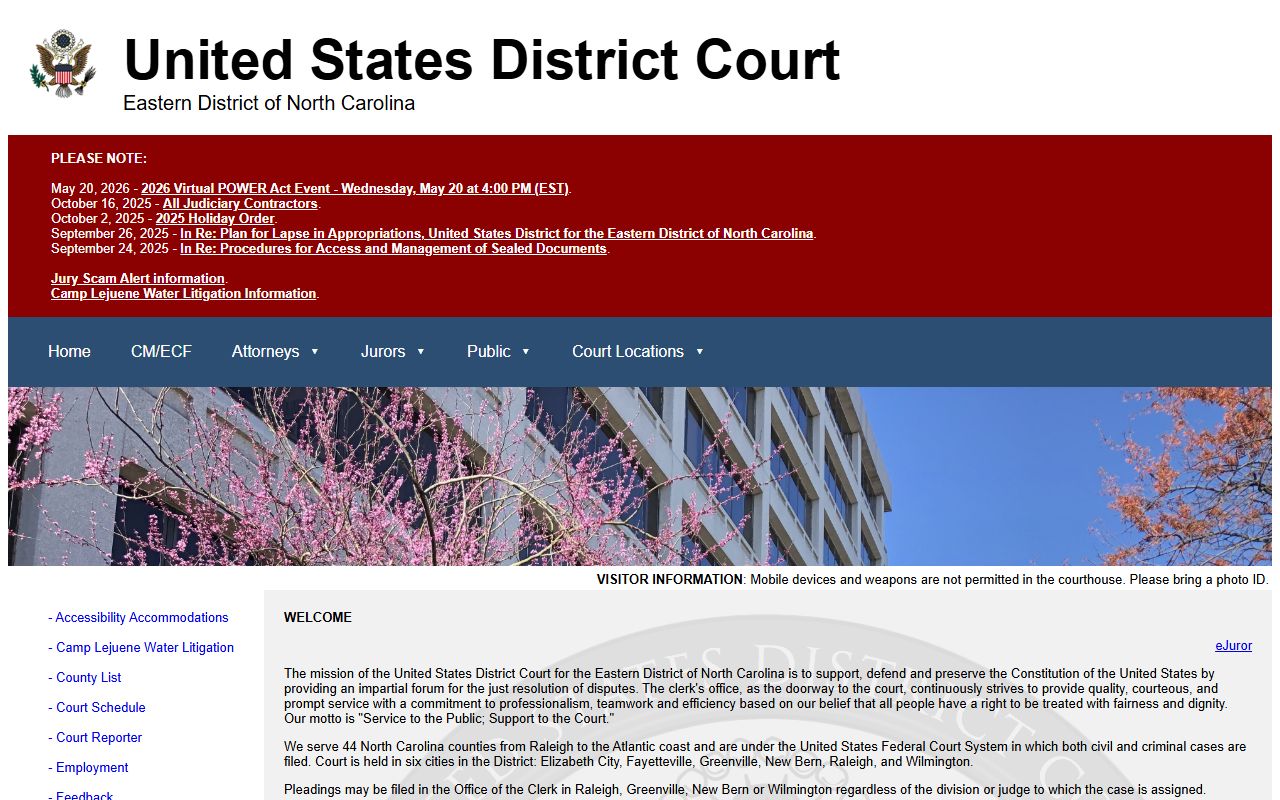
Federal cases involving Cumberland County parties are filed with the Eastern District and searched through PACER, not the state Portal.
Federal records are accessed through PACER (Public Access to Court Electronic Records), the federal records system. A PACER account is required, and per-page fees apply, though a quarterly fee waiver applies if charges stay below the threshold. PACER covers the Eastern District District Court, the Eastern District Bankruptcy Court at nceb.uscourts.gov, and appeals through the U.S. Court of Appeals for the Fourth Circuit. The screenshot below comes from the PACER home page.
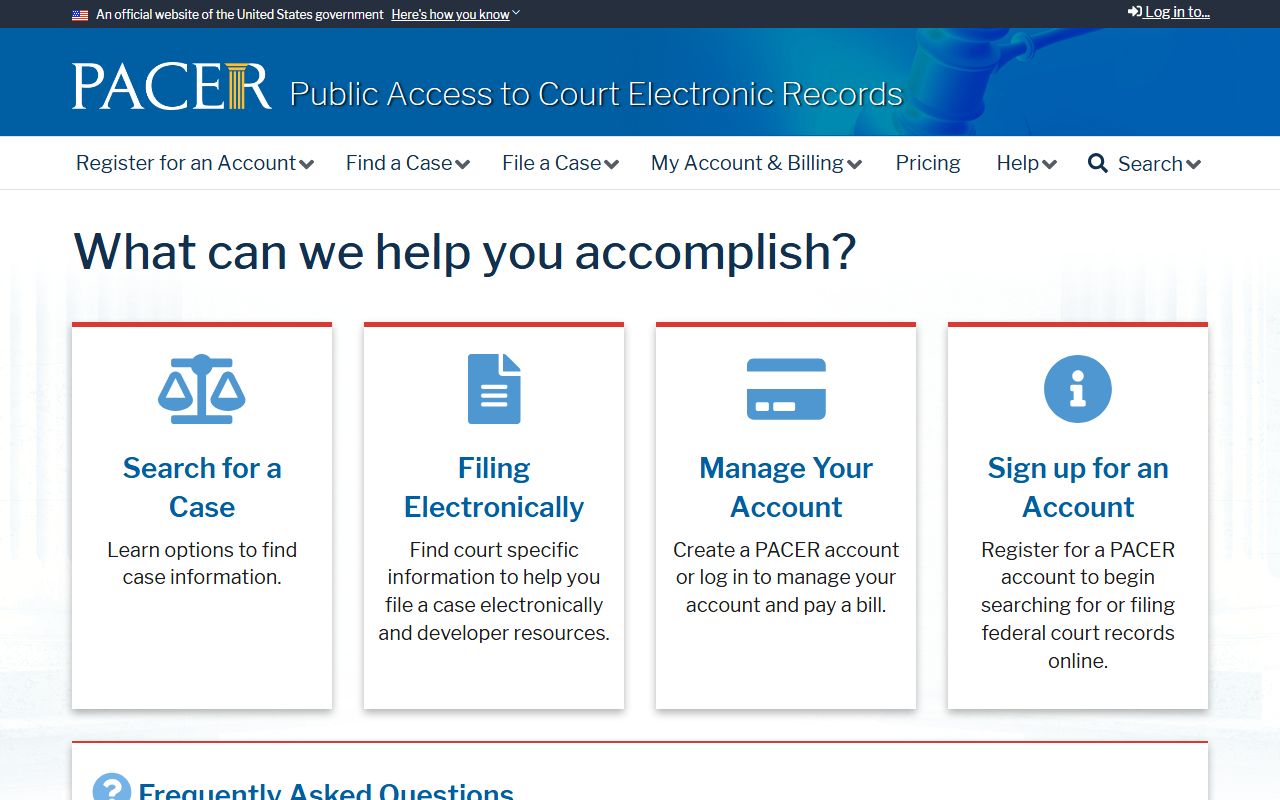
PACER is the official source for all federal case documents. Users who need opinions without a PACER account sometimes check CourtListener at courtlistener.com, an unofficial free archive of federal opinions and some docket data; CourtListener is not an official court source and may not have recent filings or complete dockets, so verify against PACER for anything that requires accuracy.
The screenshot below comes from CourtListener, shown here as a reference for what the unofficial archive interface looks like.
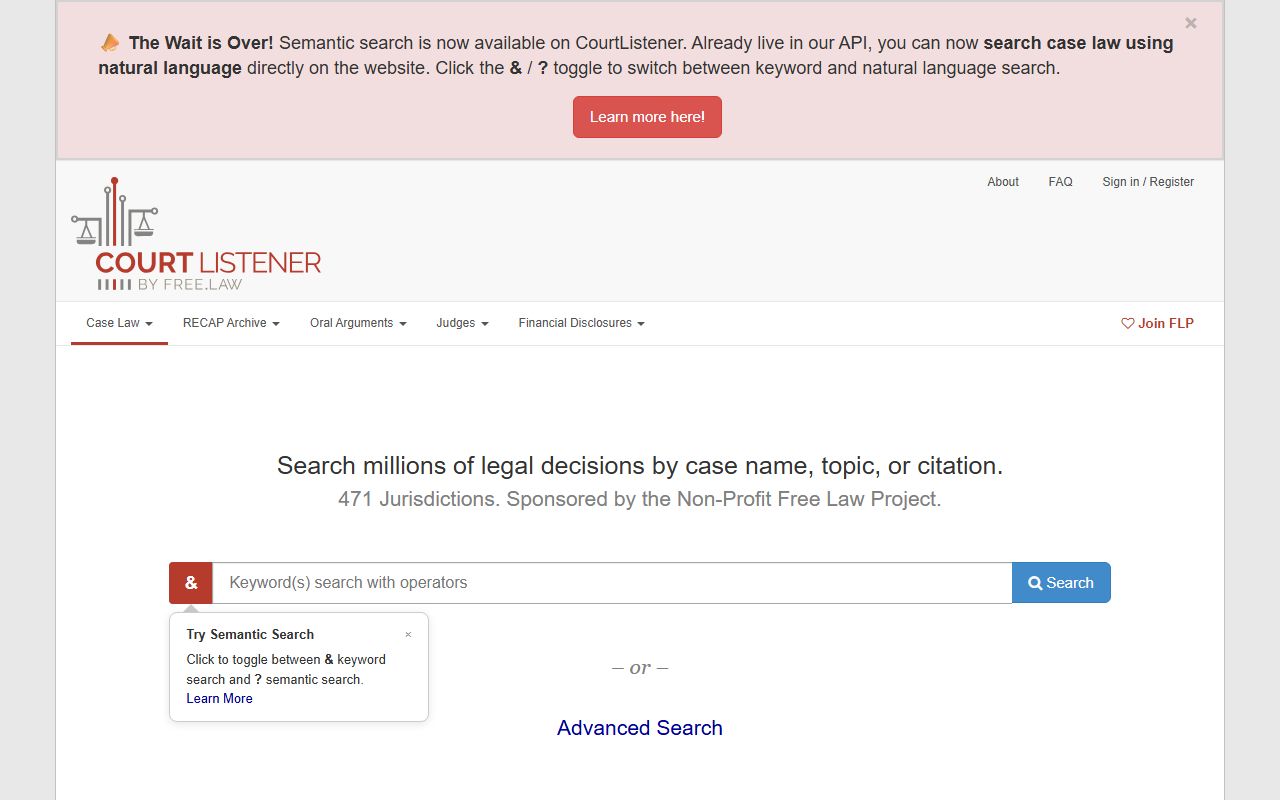
CourtListener is a free unofficial alternative for locating published opinions, but it is not a substitute for PACER or the official federal clerk's office when accuracy matters.
In-Person and Mail Requests for Court Records
The eCourts Portal covers most public search needs without a trip to the courthouse. But some tasks require in-person or mail contact with the Clerk of Superior Court. These include requesting certified copies, obtaining official copies for legal proceedings, making payments on court obligations by mail, and filing new cases. Official and certified copies of Cumberland County court records are only issued by the Clerk, not through the Portal, and are the only copies accepted in most legal and financial proceedings.
In person, the Clerk accepts cash, credit and debit card with a processing fee, money order, and certified check. No personal checks are accepted at the window. By mail, only money order or certified check is accepted; no cash and no personal checks. Make mail payments to Cumberland County Clerk of Superior Court and send to the PO Box mailing address. The official payment information page confirms these rules and lists which matters can be paid online through the Portal. Eligible traffic citations and some criminal and infraction matters may be paid online by credit or debit card plus the processing fee, through the Portal payment function.
The official court costs page on the NC Judicial Branch site explains the current cost charts for copy fees and certifications. Copy and certification amounts follow the state court cost schedule, so confirm the exact fee with the Clerk before you visit or mail payment. Court cost charts are updated periodically by the General Assembly and the Judicial Branch.