
What Is a Court Docket in Cumberland County
A court docket is the running log of every action taken in a case from the date it is filed to the date it closes. It is sometimes called the Register of Actions. Each line in the docket records a specific event: a motion filed, an order entered, a hearing set, or a continuance granted. The docket does not include the full text of those documents. It is a roadmap, not the full file. If you want the actual motion, the order, or the exhibits, you go to the full case record held by the Clerk of Superior Court.
The difference matters in practice. The docket tells you what happened and when. The full case record shows you how it happened. For most people checking on a hearing date or confirming a disposition, the docket is enough. Attorneys, title searchers, and parties in litigation often need the full file. That requires either downloading documents from the NC eCourts Portal where they are available or contacting the clerk's office for an official certified copy. Under N.C.G.S. § 7A-109.2, the courts are authorized to provide remote electronic access to court records, which is the legal basis for the eCourts Portal's public-access model.
Cumberland County is part of Judicial District 14. All Superior Court and District Court dockets for the county are maintained under that district designation. North Carolina does not use separately numbered courts in the Texas style, so there is no "14th District Court" to distinguish from another. Both trial divisions sit in the same courthouse and share the same docket system.
How to Find Cumberland County Court Dockets Online
The primary tool is the NC eCourts Portal. The Portal is maintained by the NC Judicial Branch and covers Superior Court and District Court cases statewide, including all Cumberland County matters. It has three main search functions: Smart Search for full case summaries and registers of actions, Search Hearings for upcoming hearing dates, and Judgment Search for the civil and criminal judgment index. All three are free and available without creating an account, though registering lets you save cases to a watchlist.
The NC Judicial Branch also publishes separate calendar feeds through its Cumberland County page. Those calendar links pull hearing results filtered to the county and case type. They are a quick way to see what is scheduled for a session without going through Smart Search. Both sources draw from the same underlying case management system, so the data matches.
- Go to the NC eCourts Portal or open the NC Judicial Branch Cumberland County page and click the "Portal (Search/Pay)" link.
- Choose a search function. Use Smart Search to pull a full case summary and Register of Actions. Use Search Hearings to look up a scheduled court date. Use Judgment Search to check the judgment index for civil or criminal judgments.
- Enter the strongest identifier you have. A case number gives an exact match. A citation number works for traffic and infraction matters. A party name, business name, attorney name, or attorney bar number also work, but may return multiple results.
- Apply the county filter. Select Cumberland County so results are limited to District 14 cases.
- Open the case summary. The Register of Actions lists case events, hearings, dispositions, and financial information in chronological order.
- If you need an official copy, the Portal is not the official record. Call the Clerk of Superior Court at (910) 475-3000 or visit the clerk's office at 117 Dick Street, Fayetteville.
Note: Portal records update within minutes of upload to the Odyssey case management system, but availability depends on daily volume and clerk processing speed.
Cumberland County Hearing Search Fields
The Search Hearings function inside the eCourts Portal is specifically built to find scheduled court dates. It lets you search by several different identifiers, which is useful when you do not have the case number. The fields below come from the official NC Judicial Branch eCourts Portal FAQ and reflect what the public search screen accepts.
| Field Label | Type | Required | Notes |
|---|---|---|---|
| Case number | Text | Optional | Best for exact-match hearing lookups; enter the full case number as shown in the Portal. |
| Party name | Text | Optional | Search by the individual person or entity named in the case; may return multiple matches. |
| Business name | Text | Optional | For cases where a business is a party; useful in civil and contract matters. |
| Attorney name | Text | Optional | Search hearings where a specific attorney of record appears. |
| Attorney bar number | Text | Optional | More precise than attorney name; use the NC State Bar number if known. |
| Judicial officer | Text / dropdown | Optional | Filter hearings by judge or magistrate; narrows results to a specific judicial officer's calendar. |
| Courtroom | Text / dropdown | Optional | Filter by courtroom designation within the Cumberland County Courthouse. |
At least one field must be entered before the search runs. No fields are formally marked required because any single field is enough to start a query, but a case number gives the most precise result. The Portal FAQ confirms that anonymous users can run hearing searches without creating an account.
Civil and Criminal Calendars for Cumberland County
Beyond the Portal's Search Hearings tool, the NC Judicial Branch publishes dedicated calendar pages for each county. These calendar feeds show cases scheduled for upcoming sessions and are organized by case type. They are a fast way to see an entire day's docket without searching case by case.
The Cumberland County civil calendar covers civil actions, domestic matters, and related Superior and District Court civil sessions. The Cumberland County criminal calendar covers misdemeanor, felony, and infraction sessions. Both pages are filtered to Cumberland County by default and update as sessions are scheduled or changed. You do not need a Portal account to view them.
The civil calendar image below comes from the official NC Judicial Branch Cumberland County civil calendar page.
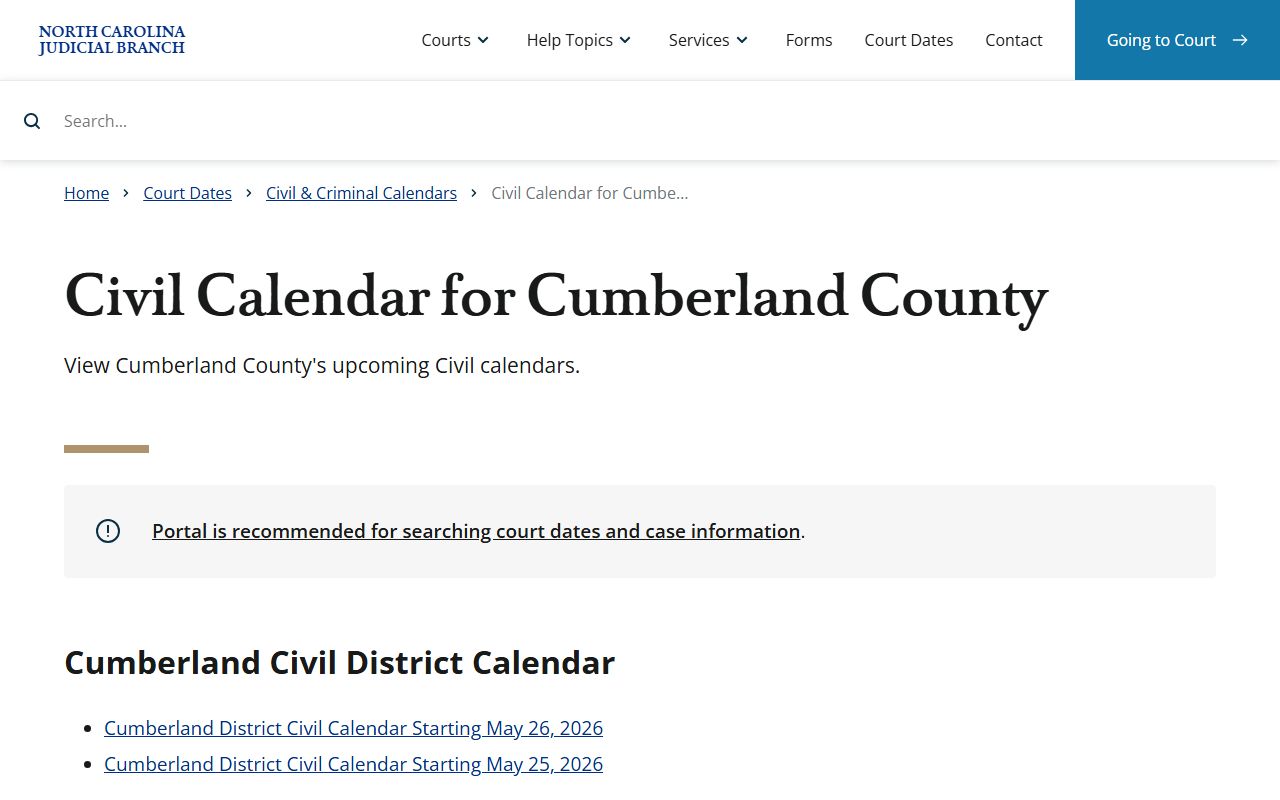
The calendar shows case numbers, party names, hearing types, and session dates for scheduled civil matters in District 14.
Calendars can change. Sessions are continued, rescheduled, or added on short notice. Always confirm the hearing date and courtroom with the courthouse before traveling. The main courthouse number is (910) 475-3000. If a matter is in District Court, the District Court Judges line is (910) 475-3012. If the case is in Superior Court, use (910) 475-3016 for the Superior Court Judges' line. For family court scheduling, call (910) 475-3015.
Cumberland County Docket Entry Fields
When you open a case in the eCourts Portal, the Register of Actions lays out the case history as a table of events in order by date. Each row is a docket entry. The fields described below come from the official NC eCourts Portal FAQ, which explains what the Smart Search case summary shows for public cases in Cumberland County and elsewhere in North Carolina.
| Field | What It Shows |
|---|---|
| Case Summary / Register of Actions | The full chronological log of everything filed or entered in the case; the starting point for any docket review. |
| Case Information | File date, case number, case type, court division, and current status. |
| Assignment Information | Judicial officer assigned to the case and any reassignment history. |
| Party Information | Names and roles for all parties: plaintiff, defendant, petitioner, respondent, or other designations depending on case type. |
| Causes of Action | Listed for civil, family, probate/estates, and mental health cases where applicable; shows the legal basis for the case. |
| Case Events | Individual docket entries by date: motions, orders, notices, filings, and any other recorded action in the case. |
| Dispositions | The outcome of each charge or the case overall; includes codes such as dismissed with prejudice, dismissed without prejudice, guilty plea, not guilty, prayer for judgment continued, or sentenced. |
| Hearings | Scheduled and past hearing dates, hearing types (trial, motion, calendar call, etc.), and courtroom assignments. |
| Financial Information | Fines, costs, and fees assessed where applicable; shown when the Portal has this data for the case. The Judgment Search includes amounts owed as of the original judgment date. |
| Judgment case number | Case number tied to a judgment entry; appears in Judgment Search results. |
| Judgment disposition status | Status of the judgment at the time it was indexed: satisfied, unsatisfied, or other disposition codes. |
| Judgment index date and time | When the judgment was entered into the index; relevant for lien priority and statute-of-limitation research. |
| Judgment parties | Creditor and debtor (or plaintiff and defendant) as named in the judgment; appears in Judgment Search. |
| Judgment comments | Notes relevant to the disposition, such as case cross-references or payment conditions noted at the time of judgment entry. |
Social Security numbers are suppressed from public and elevated-access views. Restricted case types, including unreturned criminal warrants, juvenile records, and protective orders, are not visible to anonymous users through the Portal.
Courts That Publish Dockets in Cumberland County
North Carolina's unified court system means every trial court in Cumberland County uses the same statewide eCourts system. There is no separate county court system and no justice-of-the-peace courts with their own dockets. All Cumberland County court dockets flow through the NC eCourts Portal. The courts below are the ones whose docket entries appear in the Portal and on the Judicial Branch calendars.
The image below is from the official NC Judicial Branch court officials page, which explains the roles of clerks, judges, and magistrates across the state court structure.
This page describes how clerks, district attorneys, magistrates, and judges fit into the structure that generates the dockets you search in Cumberland County.
- Superior Court (District 14): Handles felony criminal cases, civil cases above the District Court dollar threshold, and appeals from District Court. Superior Court dockets appear in the eCourts Portal under Criminal Actions and Civil Actions. The Superior Court civil calendar is part of the broader civil calendar feed.
- District Court (District 14): Handles misdemeanors, infractions, traffic matters, domestic and family cases, juvenile matters where public access is allowed, and civil matters within its jurisdiction. District Court is where most traffic and infraction cases are calendared, and where domestic dockets appear.
- Magistrates: District Court officers who handle initial appearances, bail in many cases, small claims, and certain statutory matters. Magistrate actions feed into the District Court docket system. Cumberland County magistrates can be reached at (910) 475-3600.
- Clerk of Superior Court: Estate, probate, and special proceedings are administered by the Clerk acting as probate judge. Those dockets appear in the Portal under the Estates and Special Proceedings filter. The Clerk of Superior Court is the official record custodian for all these matters.
Docket vs Full Case Record in Cumberland County
The docket and the full case record serve different purposes. Both are part of the court file, but they are not the same thing. Understanding which one you need saves time. Most routine inquiries, such as confirming a court date or checking whether a case was dismissed, are answered by the docket alone. Legal work, title searches, and formal proceedings usually require the full file.
| Docket / Register of Actions | Full Case Record | |
|---|---|---|
| Format | Chronological list of case events | All documents: motions, orders, exhibits, transcripts |
| Access | Online and free through the eCourts Portal | Available online where uploaded; certified copies require clerk contact and may carry a fee |
| Best use | Track case progress, confirm hearing dates, check dispositions | Legal review, evidence research, title search, appeal preparation |
| Official record | Not the official record; Portal is a search and viewing tool | Official certified copies come from the Clerk of Superior Court |
| Cost | Free to view and print from Portal | No fee to view or print Portal documents; certified copies carry a fee set by N.C.G.S. § 7A-109 |
The NC eCourts Portal FAQ is direct on this point: the Portal is not the official court record, and current payoff amounts for judgments depend on what the Clerk has entered in Odyssey. If you need a document for use in court, contact the clerk rather than printing from the Portal.
Reading a Cumberland County Docket Entry
Docket entries use abbreviations and legal terms that can be hard to read the first time. The terms below come directly from the NC eCourts research for Cumberland County and reflect the language you will see in the Portal's Register of Actions.
- Disposition
- The outcome of a charge or case. Common dispositions include: guilty, not guilty, dismissed with prejudice (permanent), dismissed without prejudice (may be refiled), prayer for judgment continued (PJC), deferred prosecution, and sentenced.
- Continuance
- A postponement. When a hearing is continued, the docket will show the old date and then a new entry with the rescheduled date.
- Motion
- A request filed by a party asking the court for an order. The docket shows that a motion was filed; the actual document is in the full case record.
- Order
- A written directive from a judge or the clerk. Orders may set hearings, grant or deny motions, impose sentences, or resolve other matters.
- Judgment
- A final or enforceable decision. Civil judgments may include money owed; criminal judgments include sentences, fines, and costs.
- Plea
- The defendant's formal answer to a criminal charge: guilty, not guilty, or no contest. A plea entry in the docket starts the sentencing phase.
Two more terms appear often in Cumberland County criminal dockets. An infraction is a non-criminal violation handled through the court, such as a minor traffic offense. A misdemeanor is a lower-level criminal offense heard in District Court. A felony is a higher-level charge that moves through District Court preliminaries and is then tried in Superior Court. If the case is sealed or expunged, it will not appear in the public Portal at all. Expunction removes public access under N.C.G.S. § 15A-145.5, and the confidential file remaining after expunction is governed by N.C.G.S. § 15A-151.
Cumberland County Judgment Search
The eCourts Portal includes a separate Judgment Search tool that searches the North Carolina judgment index. This is different from Smart Search. Judgment Search is built for finding civil judgments, family judgments, small claims outcomes, special proceedings, and criminal judgments. Title companies, creditors, and attorneys use it most. The search returns the case number, disposition status, index date and time, parties, and any comments relevant to the disposition.
One key point: the Portal shows amounts owed as of the original judgment date. Current payoff amounts may differ because of payments, interest, or clerk updates made after the judgment was entered. For an accurate current balance, you need to contact the Clerk of Superior Court directly. The clerk updates the Odyssey system, and the Portal reflects those updates, but there can be a lag on payment postings.
The Judgment Search accepts party name, case number, case type filter (Civil, Family, Small Claims, Special Proceedings, Criminal, or Miscellaneous), status filter, location filter, and judgment date or date range. Use the location filter and select Cumberland County to limit results to District 14 judgments. If you are researching whether a person has unpaid civil judgments in Cumberland County, a name search with the county filter is the standard starting point. For an authoritative lien search, the clerk's office is the official source.
Restricted and Non-Public Dockets
Not every docket entry or case is available through the public Portal. North Carolina law restricts several categories of records from public view, and the eCourts Portal enforces those restrictions automatically. If a case type is confidential, anonymous users will not see it in search results at all.
Juvenile records are restricted under N.C.G.S. § 7B-3000. Access is limited to the juvenile, parents, attorneys, and authorized agencies. Adoption records are confidential under N.C.G.S. § 48-9-102 except where a court order or statute grants access. Mental health and involuntary commitment cases carry additional privacy protections under N.C.G.S. § 122C-52. Protective orders are restricted and are available to anonymous users only through courthouse kiosks, not through the standard Portal interface.
Unreturned criminal warrants are also restricted. The Portal FAQ notes that criminal warrants that have not yet been returned to the court are a restricted case type requiring elevated access. Sealed records are blocked at the Portal level. After expunction, the record is removed from public access entirely. Elevated access through the Portal is available to users with verified business need and statutory authority, such as law enforcement and certain licensed agencies.
Note: Social Security numbers are suppressed from all Portal views, including elevated access, and should not appear in any docket or case summary you see through the Portal.